Area Contrast Checker
Drag, Select, Know. A new way to check A11y contrast Discussion | ...
Our Take
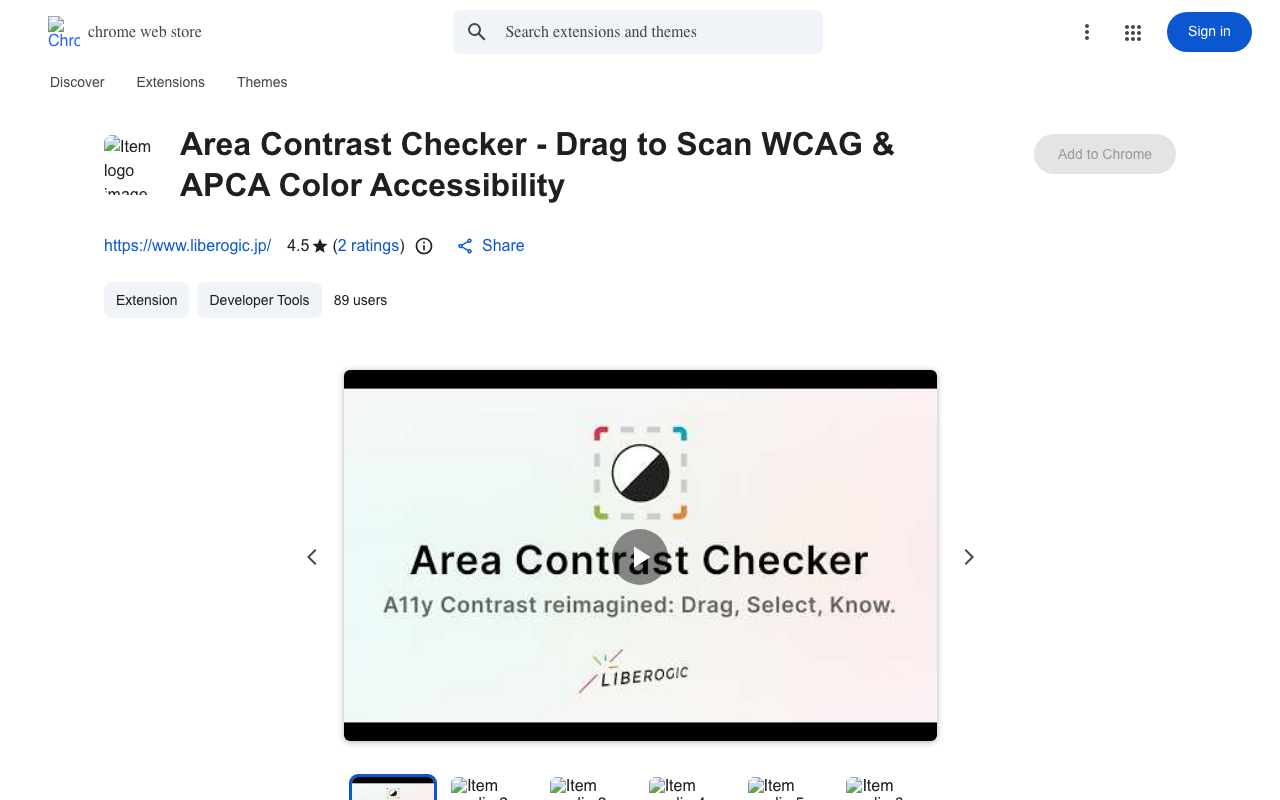
Area Contrast Checker is exactly what it sounds like—a Chrome extension that lets you drag, select, and instantly know if your colors pass accessibility standards. No more manually calculating contrast ratios or hunting through hex codes. You highlight any area on a webpage, see the WCAG score in real-time, and know immediately if your design is legally accessible or actively excluding Millions of users with visual impairments. It plugs right into your browser, so you're checking contrast while you actually work—not in a separate tool you'll never open.
Accessibility isn't a nice-to-have anymore—it's the law. WCAG 2.1 compliance is required for anyone receiving federal funding, and ADA lawsuits hit an all-time high in 2024. Yet most designers still eyeball contrast or swap between five different checker apps. This extension cuts that workflow to three seconds. It's simple, it's free, and it's in the Chrome Web Store right now. If you're building for the web and not checking contrast in-context, you're shipping inaccessible code.
Key Facts
Links
Browse by category
Similar products worth knowing


Want products like this in your inbox every morning?
Five products. Every morning. Written by someone who actually cares whether they're good or not. Free forever, unsubscribe whenever.