Kai for Chrome
Local meeting transcription with no account needed
Our Take
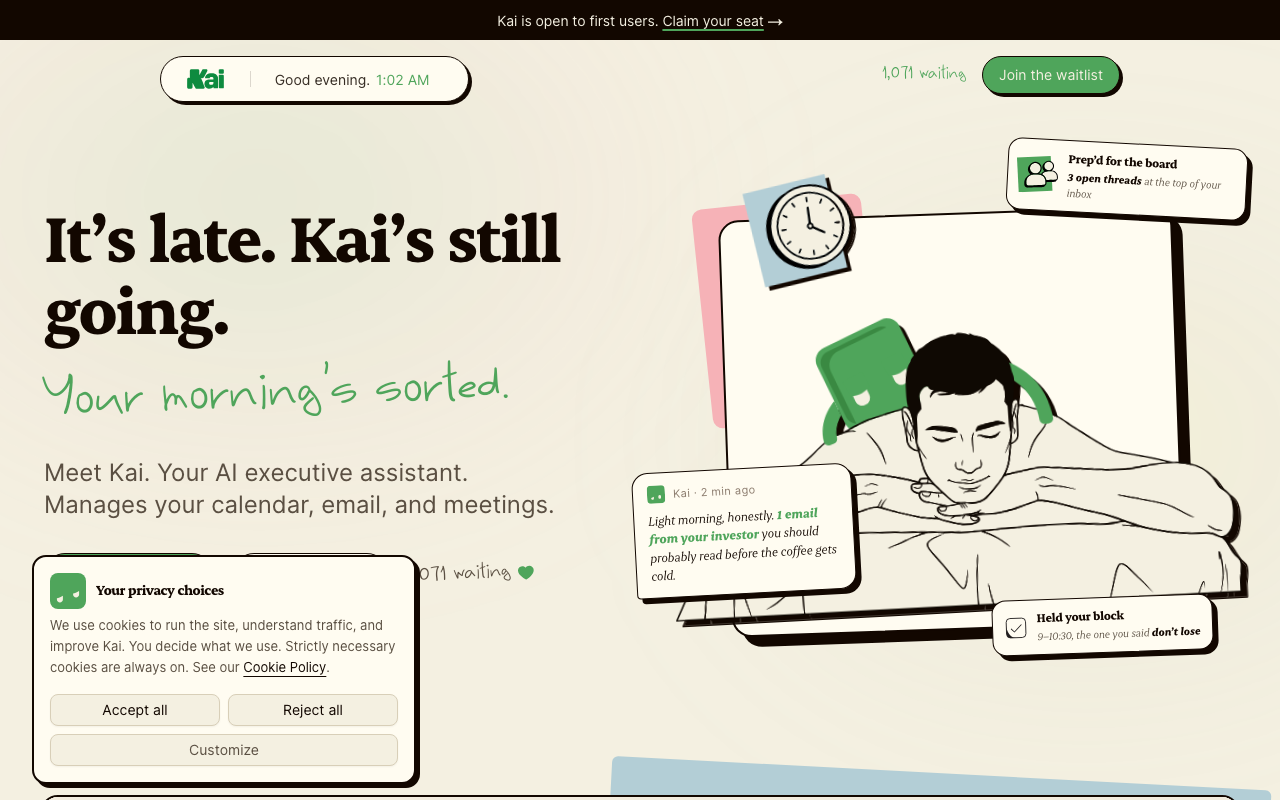
Kai for Chrome is local meeting transcription that doesn't require an account—yeah, you actually read that right. No signup. No login. Just install and go. Most transcription tools force you to create an account, upload to the cloud, and hope someone's not listening. Kai does it all locally in your browser. No bot announcing itself to the room asking "is this being recorded?" either—it just joins silently, captures everything, and pulls out your action items while you're still in the meeting.
This comes from the same team behind Morgen, which already has 200,000+ users managing their calendars and email. But Kai is different—it's not another AI assistant trying to do everything. It's laser-focused on one thing: making meetings disappear. You join the call, Kai joins silently in the background, and when you're done you've got a full transcript with action items auto-extracted and sent to your task system. No bots in the meeting, no awkward "who's recording?" pause, no accounts to manage.
The big picture here is privacy-first transcription. Every other tool on the market uploads your calls to the cloud, stores them on someone else's servers, and hopes you trust their security. Kai processes everything locally in Chrome. Your meeting data doesn't go anywhere it shouldn't. For enterprises and individuals dealing with sensitive conversations, that's not a feature—that's the whole point. They're currently open for first users and accepting waitlist signups.
Key Facts
The people behind Kai for Chrome
Links
Browse by category
Similar products worth knowing
Journal it!
All-in-one life organizer app
Alter
Your AI copilot for macOS
TubeOnAI
Digest and repurpose any content with AI
Solidroad
The leading AI-native quality assurance and training platform
Want products like this in your inbox every morning?
Five products. Every morning. Written by someone who actually cares whether they're good or not. Free forever, unsubscribe whenever.