LimitBar
Claude usage limits in your macOS menu bar
Our Take
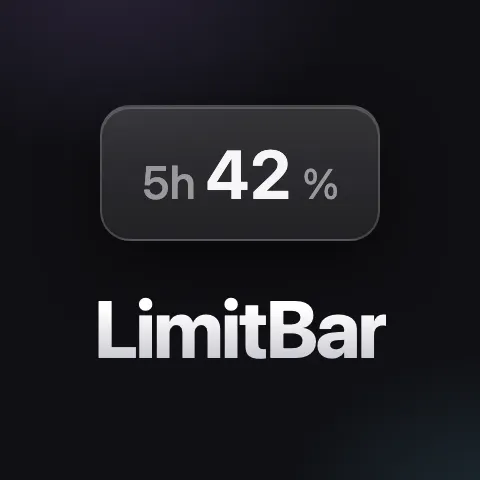
Mika Weissenberger looked at the thousands of developers grinding away on Claude every day and noticed something absurd: they were constantly flipping tabs just to check if they had hit their usage limit. Like, actually clicking away from their code to see how many tokens they had left. So Mika, a solo developer, built LimitBar—a tiny macOS menu bar app that puts your Claude usage right where your eyes already are.
That's it. That's the whole product. And that's exactly why it works. No onboarding, no account required, no learning curve. Just a number in your menu bar telling you exactly where you stand so you can plan your coding sessions without the anxiety of "oh god did I just blow through my limit." It lives in the background, does one thing, and does it well.
This is the indie dev playbook at its finest: spot a specific pain point, build the fix in a weekend, ship it. No venture capital, no grand vision, just a tool that solves a real problem for developers who use Claude heavily. Sometimes the best products aren't the most complicated ones—they're the ones that just work.
Sets usage limits for Claude in the macOS menu bar
Key Facts
Links
Browse by category
Want products like this in your inbox every morning?
Five products. Every morning. Written by someone who actually cares whether they're good or not. Free forever, unsubscribe whenever.