Products/Productivity / macOS menu-bar app/PaceBar

PaceBar

A quiet pace instrument for Mac
Productivity / macOS menu-bar appproductivitymacpacequietReviewed
PaceBar

Our Take

PaceBar is a quiet pace instrument for your Mac—a minimal, unobtrusive tool that keeps you in flow without screaming for attention. Think of it as a metronome for writing, coding, or any text-based work where rhythm matters. It sits quietly in the background and helps you maintain steady pace without the distraction of noisy timers or clunky productivity apps.

It's the kind of tool that either you're already looking for or you've never thought you needed. Built specifically for Mac, which tells you everything about the audience—they care about the experience, the aesthetic, the way it feels to use. No fuzz. No fluff. Just pace.

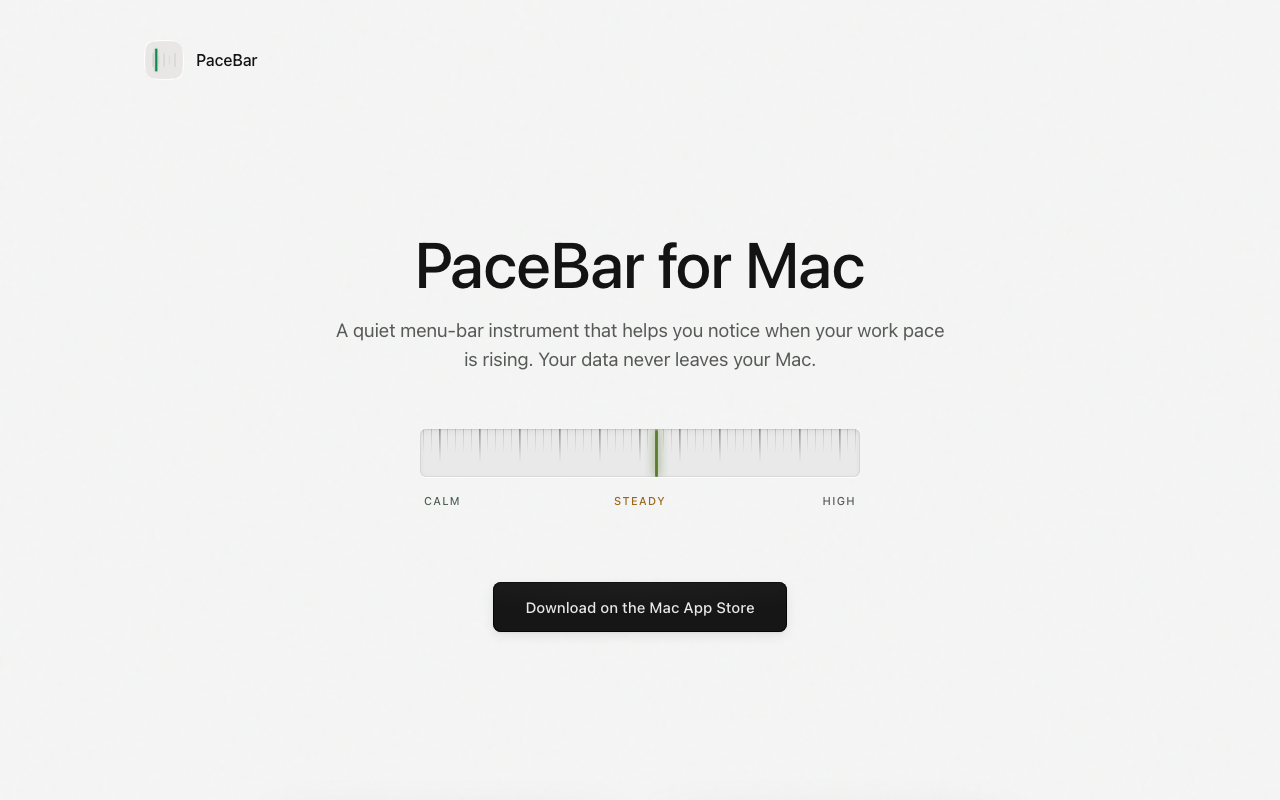
A quiet menu-bar instrument that reads the timing and frequency of interaction events to estimate workload without recording what you type or see. It turns your working rhythm into a quiet readout you can check at a glance.

Key Features
Low-impact sensing - reads timing and frequency of interaction events without recording typed content or screen data, Steady modeling - local modeling turns working rhythm into a quiet menu-bar readout, Adaptive baseline - learns individual working rhythm over time instead of using generic thresholds, Small prompts - only nudges when useful, not distracting, Use the headroom - protects next block for important work when load is low and focus is stable, Reset briefly - nudges to step away for a few minutes when session gets heavy, Made for parallel work - helps see when extra parallelism from AI tools starts raising pace, Private by construction - no accounts, no telemetry, no cloud processing, all data stays on Mac
Problem It Solves
Helps knowledge workers notice when their work pace is rising, especially when using AI tools and parallel workstreams that increase pace and workflow fragmentation.
Target Customer
Mac users, knowledge workers, people running multiple AI-assisted threads simultaneously who want to maintain awareness of their work pace without intrusive monitoring.
Use Cases
Measuring interaction intensity and work pace, Protecting focus for important work when load is low, Knowing when AI-assisted parallelism is raising pace, Taking breaks when workflow gets fragmented
Pricing Details
One-time purchase or subscription via Mac App Store
Differentiator
Privacy-first local-only processing with adaptive baseline that learns individual rhythm. No data leaves the Mac. Not a generic threshold-based tool.
Why Now
AI tools make it easier to run several threads at once, increasing the need to track when that extra parallelism starts raising work pace.

Key Facts

Category
Productivity / macOS menu-bar app
Pricing
Download on the Mac App Store
Discovered via
product-hunt

Links

Browse by category

Want products like this in your inbox every morning?

Five products. Every morning. Written by someone who actually cares whether they're good or not. Free forever, unsubscribe whenever.

PaceBar — SLAYREPORT