Limelight
Make your screen recordings easy to follow
Our Take
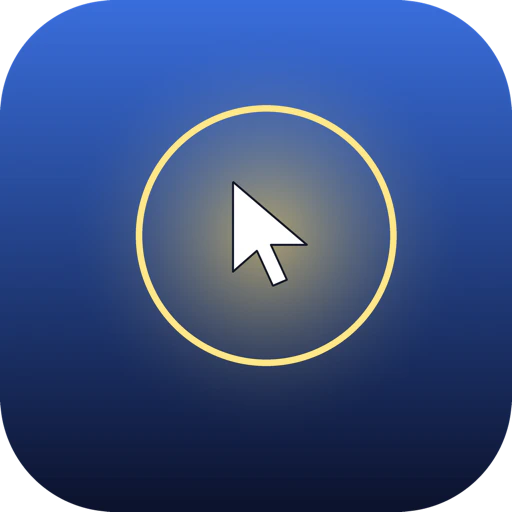
Limelight is a macOS utility that solves the most annoying problem in screen recording: nobody can see what the hell you're doing. Your cursor is a 12px needle in a 1080p haystack, your keystrokes are invisible, and circling anything requires waving the mouse in circles like a madman. So they built Limelight—three hotkeys that make screen presentations actually followable.
Hit Ctrl+Option+1 and a glowing spotlight tracks your cursor so it's impossible to miss. Hit Ctrl+Option+2 and every key you press appears on screen—no more "wait, what did you just hit?" Hit Ctrl+Option+3 and draw directly over any app to circle, underline, or point at exactly what matters. It works over Zoom, Google Meet, Microsoft Teams, OBS, QuickTime, Loom, literally anything. One-time payment: $9. No subscription. Fully offline. macOS native.
Everyone and their mother is building AI this and agent that, but sometimes you just want your screen recordings to not suck. Limelight is $9 and it solves the problem in three hotkeys. That's the kind of tool you didn't know you needed until you try it.
Links
Browse by category
Similar products worth knowing
Mintlify
The documentation infrastructure for modern teams

Didit v3
One API for identity and fraud
Waypoint-1.5
Waypoint-1.5 Brings Real-Time AI Worlds to Everyday GPUs
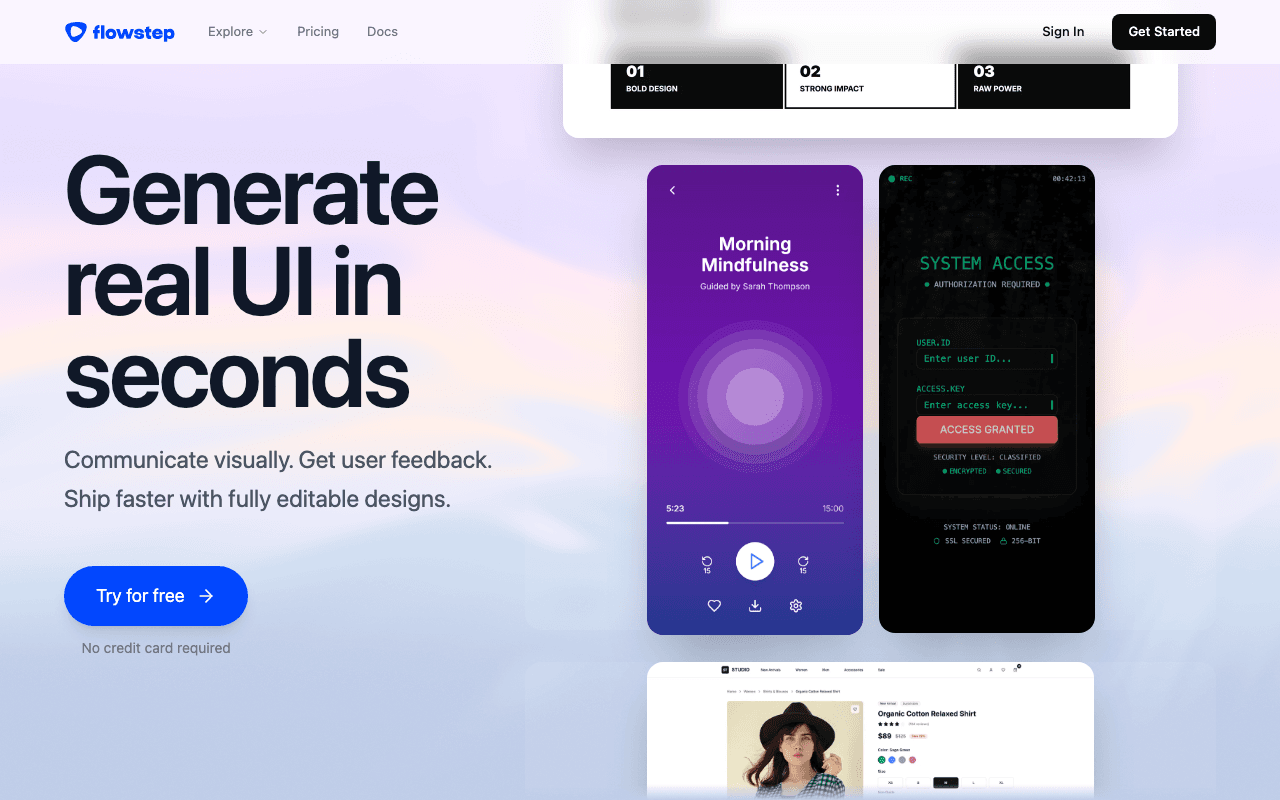
Flowstep 1.0
Your AI Design Assistant
Want products like this in your inbox every morning?
Five products. Every morning. Written by someone who actually cares whether they're good or not. Free forever, unsubscribe whenever.